Hexagon Infographic Photo Frame
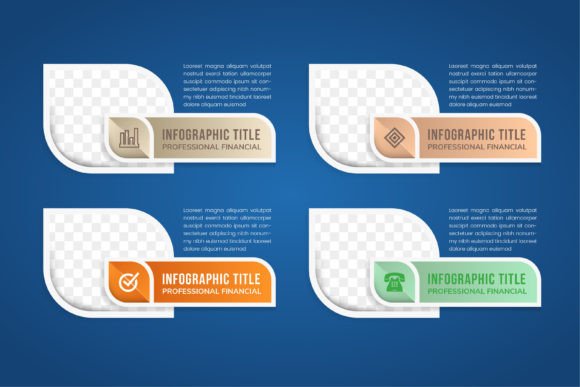
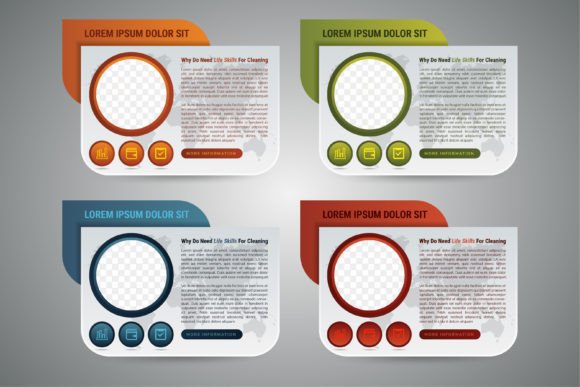
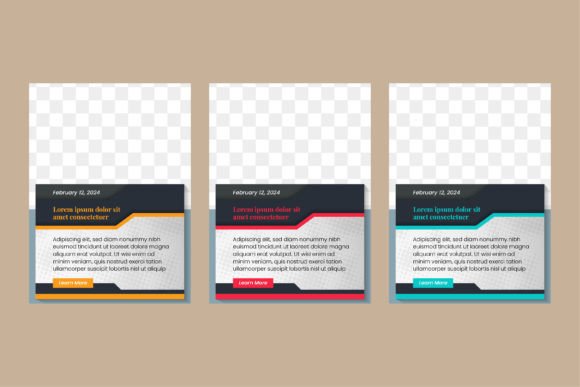
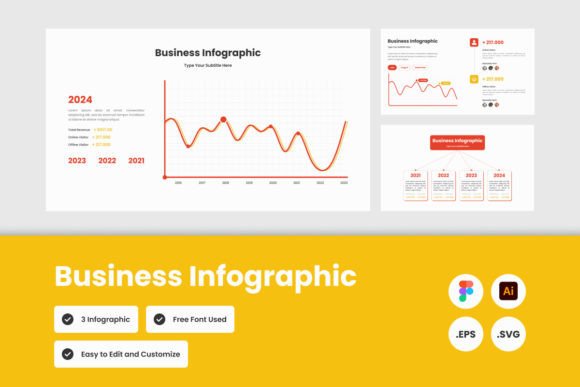
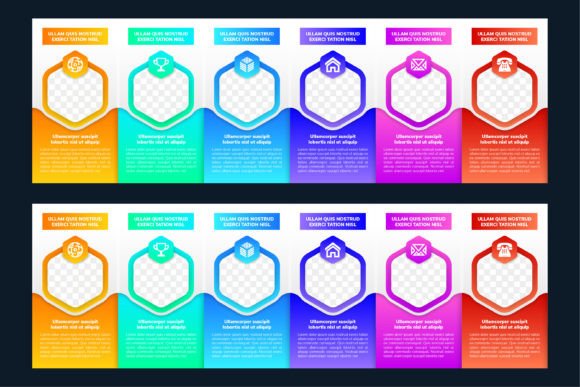
When you need to present a team, showcase a process, or organize information in a way that feels both modern and approachable, the Infographic Photo Frame Hexagon template offers a polished starting point. This dark-themed, gradient-rich mosaic uses hexagonal frames with photo placeholders and sample text, giving you a structured layout that is ready to adapt for client proposals, internal reports, or social media campaigns. Because every graphic is 100% vector and supplied at 300 dpi in AI, EPS, JPG, and SVG formats, you have full control over scaling, color, and typography without losing quality.
The hexagonal arrangement immediately suggests connection and collaboration. Unlike square or circular grids, hexagons nest together naturally, creating a visual flow that implies teamwork, linked ideas, or sequential steps. This makes the template especially useful for presentations where you want to emphasize group dynamics, project phases, or interlocking data points. The dark background with colorful gradients adds depth and contrast, helping photos and text stand out without feeling busy.
What Makes This Template a Practical Creative Tool
At its core, the Infographic Photo Frame Hexagon is designed to save you time while giving you a professional result. The editable text, shapes, and colors mean you can tweak every element to match your brand or message. If you have ever struggled with alignment or spacing when building a team page from scratch, you will appreciate how the pre-built mosaic keeps everything consistent. You simply replace the placeholder images and sample text with your own content, and the layout stays balanced.
Because the file is fully vector, you can resize it for a billboard or a business card without worrying about pixelation. The 300 dpi resolution ensures crisp output for print, while the SVG and JPG versions cover digital use cases. Whether you are a freelancer preparing a pitch deck, a marketing manager building an annual report, or a small business owner creating an about-us page, this template adapts without requiring hours of manual adjustment.
Real-World Applications Across Different Needs
Different users will find different strengths in this hexagonal layout. Here are several ways to put the template to work:
- Team profile pages: Place each team member’s photo inside a hexagon, with their name, role, and a short bio in the accompanying text space. The connected hexagons visually reinforce the idea of a collaborative unit. You can even color-code each hexagon by department or skill set.
- Project timelines or workflows: Use the hexagonal frames as steps in a process. Each hexagon can represent a phase, with the photo placeholder holding an icon or symbol instead of a person. The gradient colors can shift to show progress—from cool blues for planning to warm oranges for completion.
- Data visualization: The mosaic structure works well for presenting survey results, growth metrics, or comparative data. Place a statistic inside each hexagon, and use the photo area for a small chart, icon, or illustration. The connected layout helps viewers see relationships between data points.
- Marketing brochures and banners: The dark version with vibrant gradients creates a striking backdrop for product features or service highlights. Each hexagon can showcase a benefit, a testimonial quote, or a key feature, with the photo placeholder used for a product shot or customer image.
- Educational handouts and reports: For teachers, trainers, or researchers, the hexagonal mosaic provides a clean way to organize concepts, definitions, or case studies. The structured grid helps learners see how ideas relate to one another, especially when you use color to group related topics.
Adapting the Template for Different Audiences and Formats
One of the strengths of this infographic photo frame is its flexibility across platforms and audiences. For a corporate presentation, you might keep the dark background and use muted gradient tones—like navy to teal or charcoal to burgundy—to maintain a professional feel. The photo placeholders can hold headshots or product images, while the sample text areas provide room for concise bullet points or short paragraphs.
For a social media campaign, you could extract individual hexagons and use them as standalone posts. Each hexagon becomes a card that introduces a team member or highlights a service. The consistent shape and color scheme create a recognizable series, encouraging followers to engage with the full mosaic. Because the files are vector, you can export each hexagon at different sizes for Instagram, LinkedIn, or Facebook without redoing the layout.
Entrepreneurs and small business owners can use the template on their website’s “About” page or “How It Works” section. Instead of a static text block, the hexagonal grid draws the eye and encourages visitors to explore each element. You can link each hexagon to a detailed page or pop-up, turning the infographic into an interactive navigation tool. The dark version works especially well on modern, minimalist sites where high contrast helps key information stand out.
Keeping Your Results Clear and Organized
While the template provides a strong visual foundation, the final quality depends on how you populate it. Here are practical guidelines to maintain clarity and effectiveness:
- Limit text per hexagon: Each frame has a photo placeholder and a text area. Keep the text concise—a name and title, a single statistic, or a short tagline. If you need more detail, use the hexagon as a visual anchor and put the full content outside the grid.
- Use consistent photo style: Whether you use headshots, product images, or icons, maintain a uniform style across all hexagons. Consistent lighting, background, and composition prevent the mosaic from feeling disjointed.
- Choose gradients that support your message: The colorful gradients are a key visual feature, but they should enhance readability, not compete with it. If your photos have strong colors, consider using softer gradients or limiting the palette to two or three hues. For dark backgrounds, ensure text contrasts well—white or light-colored text usually works best.
- Maintain visual hierarchy: Not all hexagons need to be equal. You can enlarge one or two frames to emphasize a lead role, a primary statistic, or a main call to action. The vector format makes scaling individual elements straightforward.
- Test across devices and print sizes: Because the template is resolution-independent, preview it at different sizes to ensure text remains legible and photos are properly cropped. Adjust font sizes and image placement as needed before finalizing.
Creative Variations and Style Approaches
While the template comes with a specific dark gradient style, you are not locked into one look. The editable shapes and colors allow you to explore different moods and contexts:
- Light background version: If your brand or project calls for a brighter feel, invert the background and use lighter gradients. The hexagonal structure remains strong, but the overall tone shifts to something more airy and open.
- Monochromatic palette: For a minimalist or corporate look, use a single gradient color (like shades of blue or gray) throughout the mosaic. This reduces visual noise and puts more focus on the photos and text.
- Icon-based hexagons: Instead of photos, use icons or symbols inside the frames. This works well for process diagrams, category lists, or any infographic where visuals represent concepts rather than people.
- Animated or interactive versions: If you are designing for digital use, consider exporting individual hexagons as clickable elements. You can create hover effects, pop-up details, or a scrolling narrative that reveals each hexagon in sequence.
- Mixed media: Combine photo hexagons with text-only ones to create visual rhythm. For example, alternate between a headshot hexagon and a quote hexagon, or between a data hexagon and a process step hexagon.
Practical Recommendations for Designers and Non-Designers
Whether you have advanced design skills or you are assembling your first infographic, the Infographic Photo Frame Hexagon template is built to be accessible. Here is how different users can approach it:
- For designers: Use the vector files (AI or EPS) to customize every detail—adjust gradients, reshape hexagons, add shadows, or integrate the mosaic into a larger layout. The organized layers make it easy to isolate elements without affecting the rest of the design.
- For marketers and entrepreneurs: Work directly with the JPG or SVG versions if you need a quick result. Replace placeholder images and text using your preferred software (Canva, PowerPoint, or even a basic image editor). The high resolution ensures your final output looks professional.
- For educators and team leads: Use the template as a collaborative tool. Ask team members to submit their own photos and short bios, then assemble the mosaic together. The consistent format ensures everyone appears equally represented, and the process itself reinforces the idea of teamwork.
The downloadable package includes AI, EPS, JPG, and SVG files, so you can choose the format that matches your workflow. The 100% vector nature means you can scale, rotate, and recolor without degradation. Editable text and shapes give you full creative freedom, while the pre-built structure saves you from starting from zero.
Final Thoughts on Getting the Most Out of the Template
The Infographic Photo Frame Hexagon is more than a set of graphics—it is a framework for telling stories about people, processes, and data. Its hexagonal layout encourages viewers to see connections, while the dark background and vibrant gradients add a contemporary feel that works across industries. By keeping your content focused, your photos consistent, and your color choices intentional, you can create materials that look customized and professional without requiring a large design budget.
When you download this template, you are getting a resource that can serve multiple projects over time. Use it for one team page today, repurpose it for a marketing brochure next month, and adapt it again for an investor presentation later. The editable vector files and included formats ensure that the template grows with your needs, not the other way around.
If you have questions about adjusting the layout, changing colors, or exporting for specific platforms, do not hesitate to reach out. A well-designed template works best when it fits your exact context, and small tweaks can make a big difference in how your audience perceives the final piece. Thank you for choosing this store, and I wish you success in your creative projects.